 View files
 For makers & grownups
The print studio.
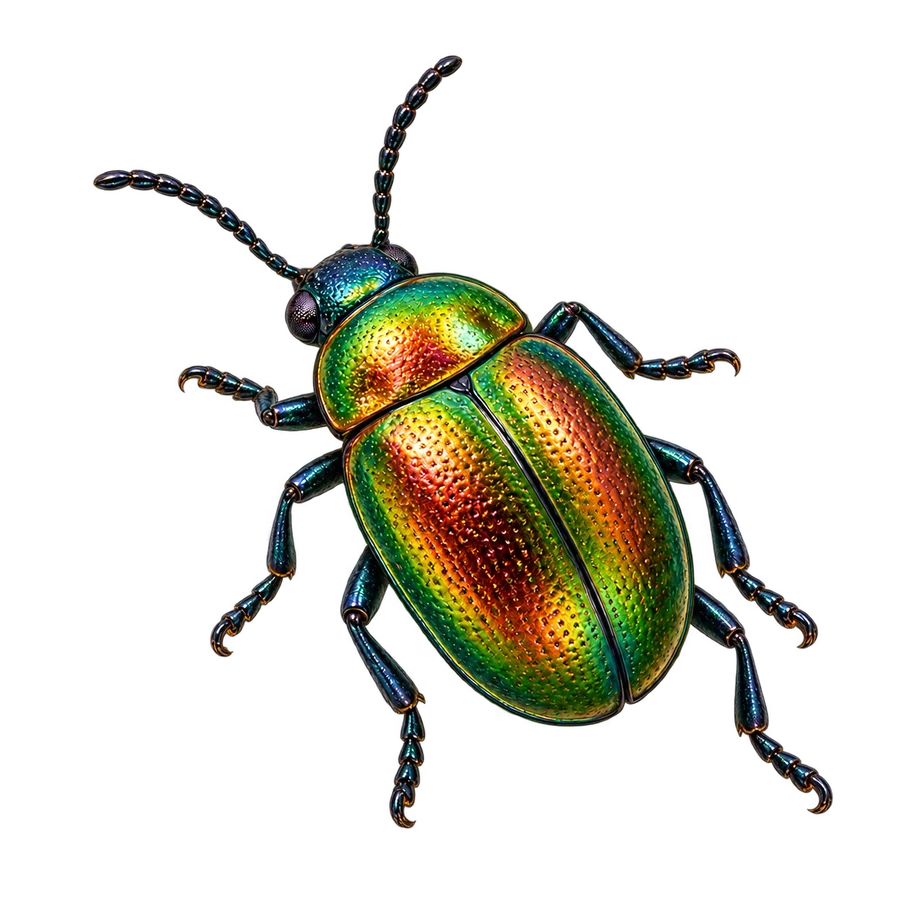
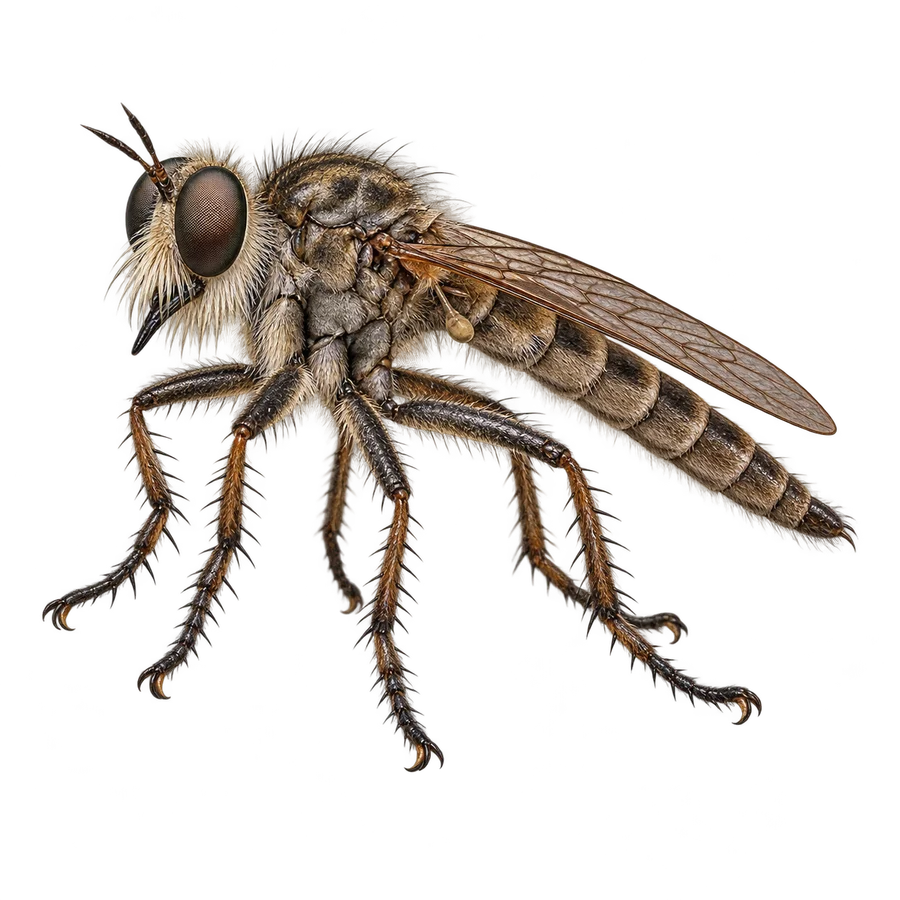
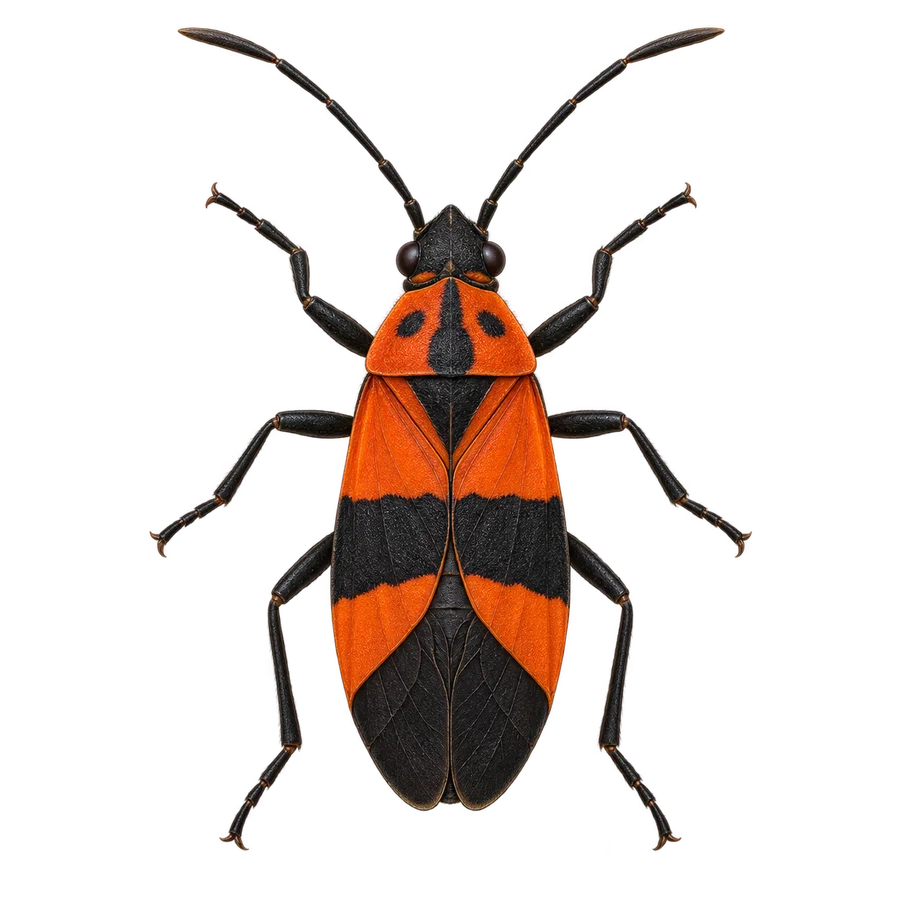
A field guide you can hold. Find the artwork, sources, and print files for each 3-inch slide.
Before you print
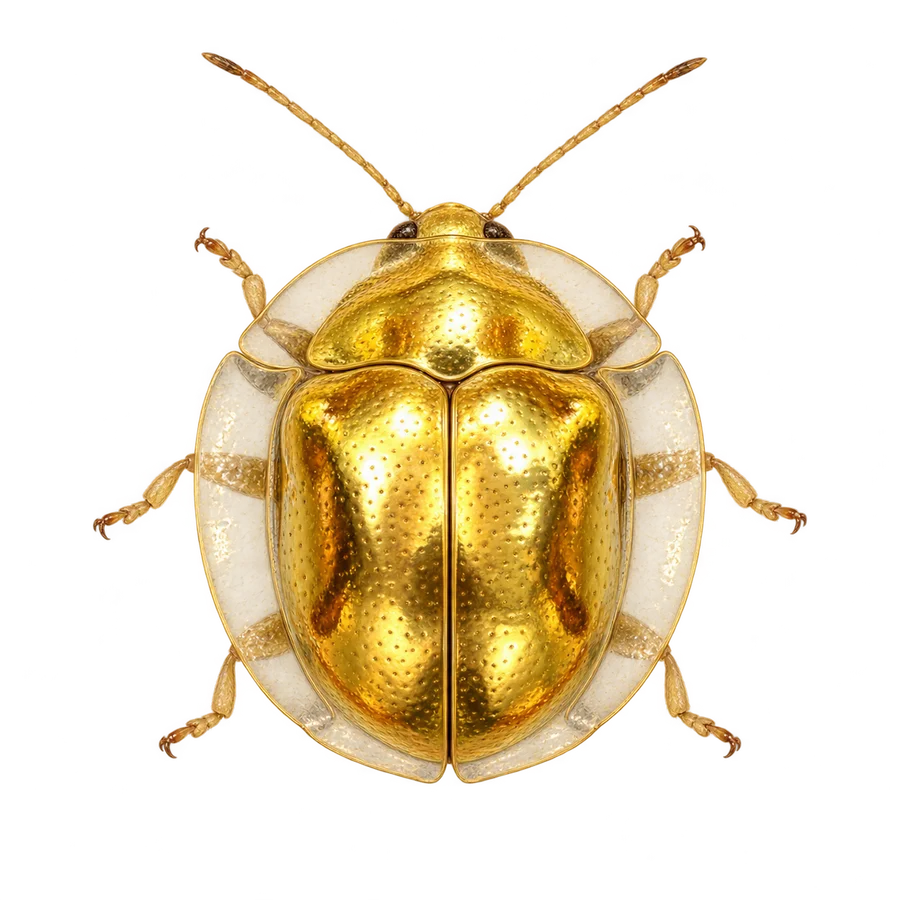
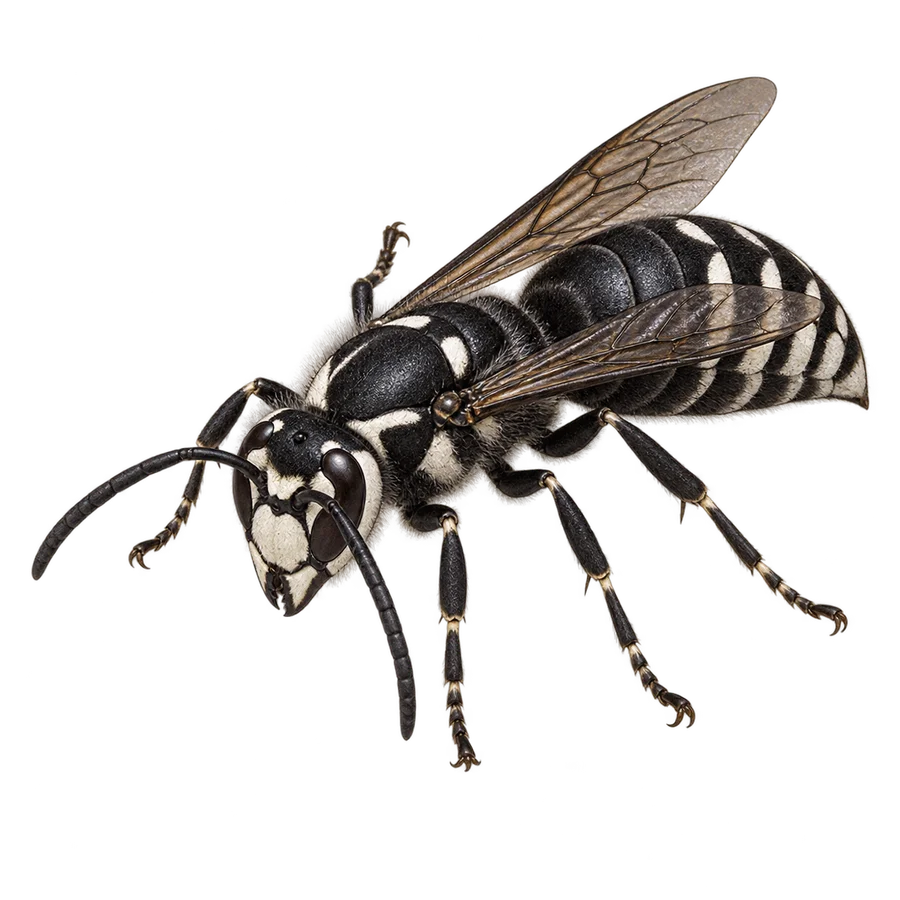
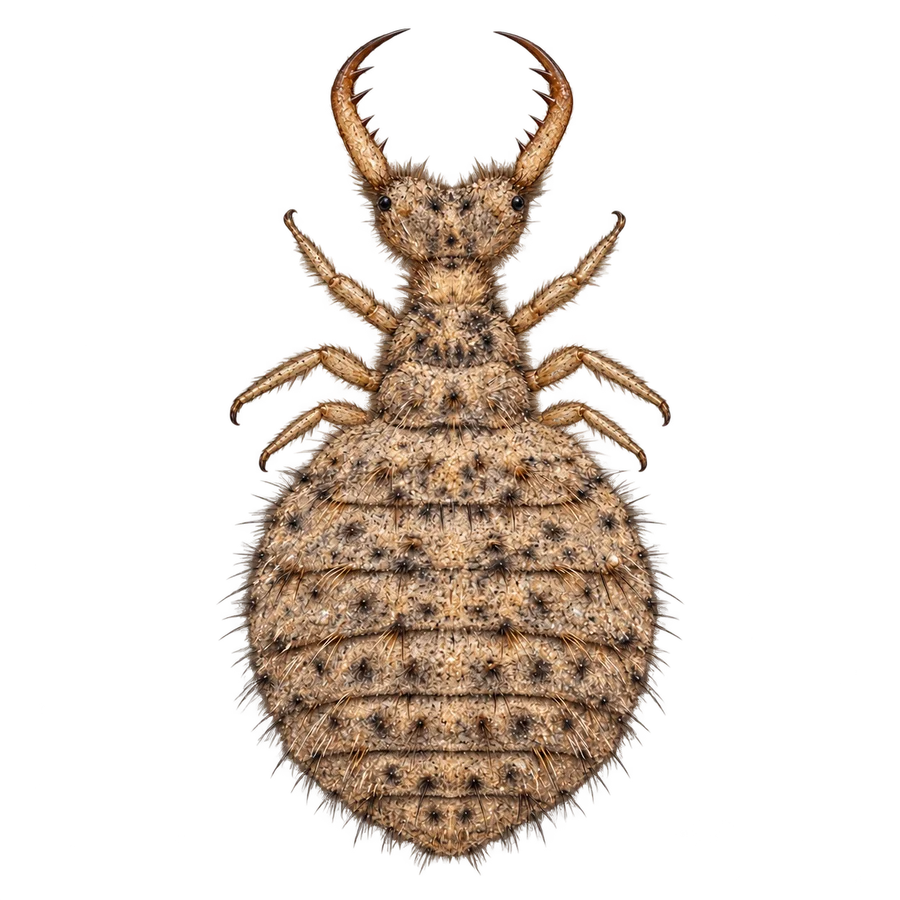
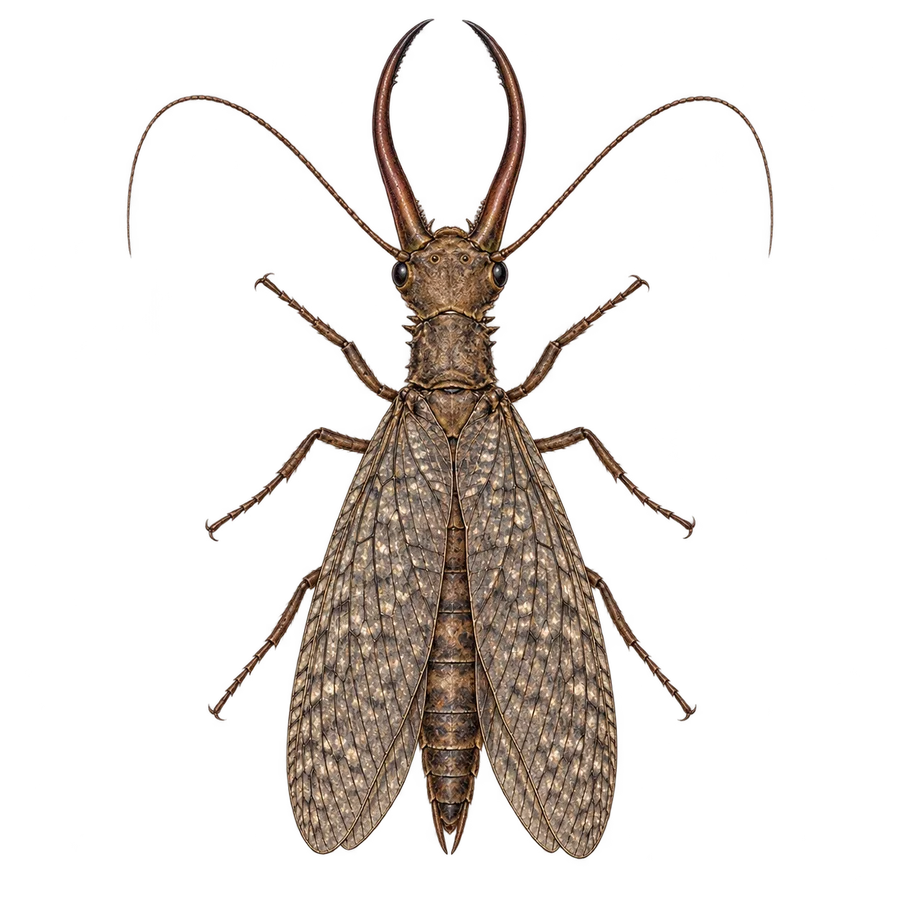
Set each square canvas to 76.2 mm (3 inches). Color fronts, relief maps, and physical test results are separate. Each front shows the common name, a smaller scientific name, the creature, and one finding clue, with white outlines around the dark lettering and at least 1 mm of clearance from the disc edge. Dark lettering rises to half the maximum relief height; its white outline stays low. At a 1 mm maximum, that means approximately 0.5 mm for the letters and 0.1 mm for the outline. No printed number; leave the back blank. Start with one disc to check the text, alignment, and relief.
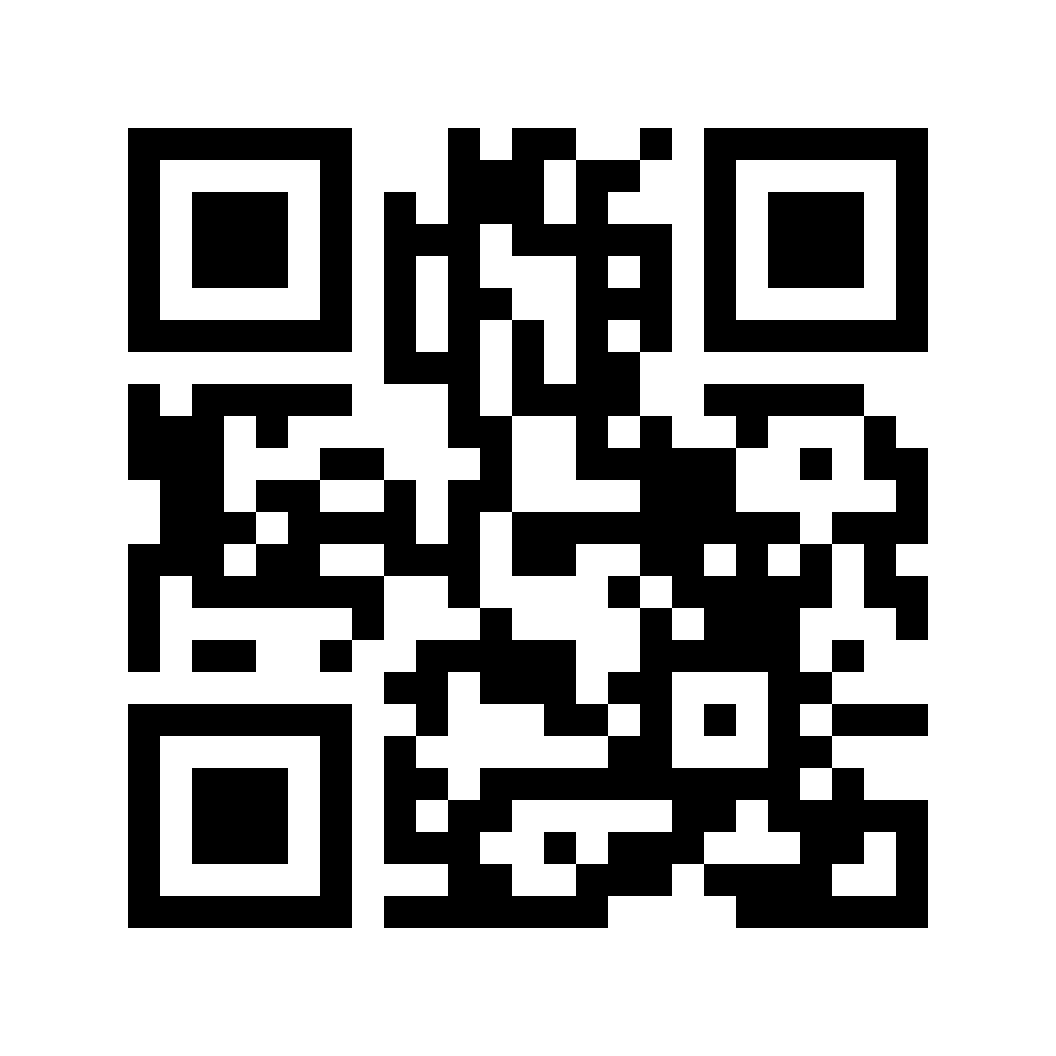
The permanent website is petri.warmuth.com. One QR on the disc carrier opens the main field guide.
Open actual-size paper proofs →On the disc carrier
One code for the collection.
Scan to open petri.warmuth.com and explore all 53 creatures. Keep the white border intact when placing the code on the carrier.
Drag a PNG image into xTool Studio, or use its download button. Images use the full-resolution files.
The carrier collection
The 40-disc set.
37 tiny neighbors + 3 reptile guests.
One collection for the two-row carrier.
View files  View files
  View files
  View files
  View files
  View files
  View files
  View files
 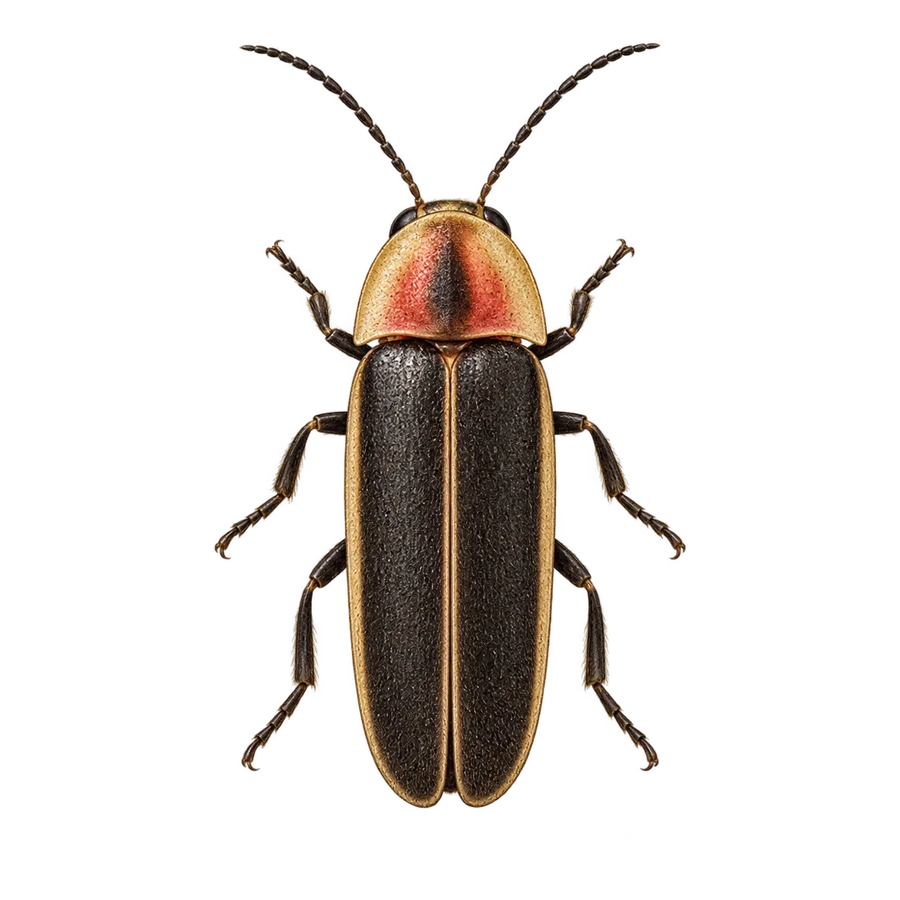 View files
 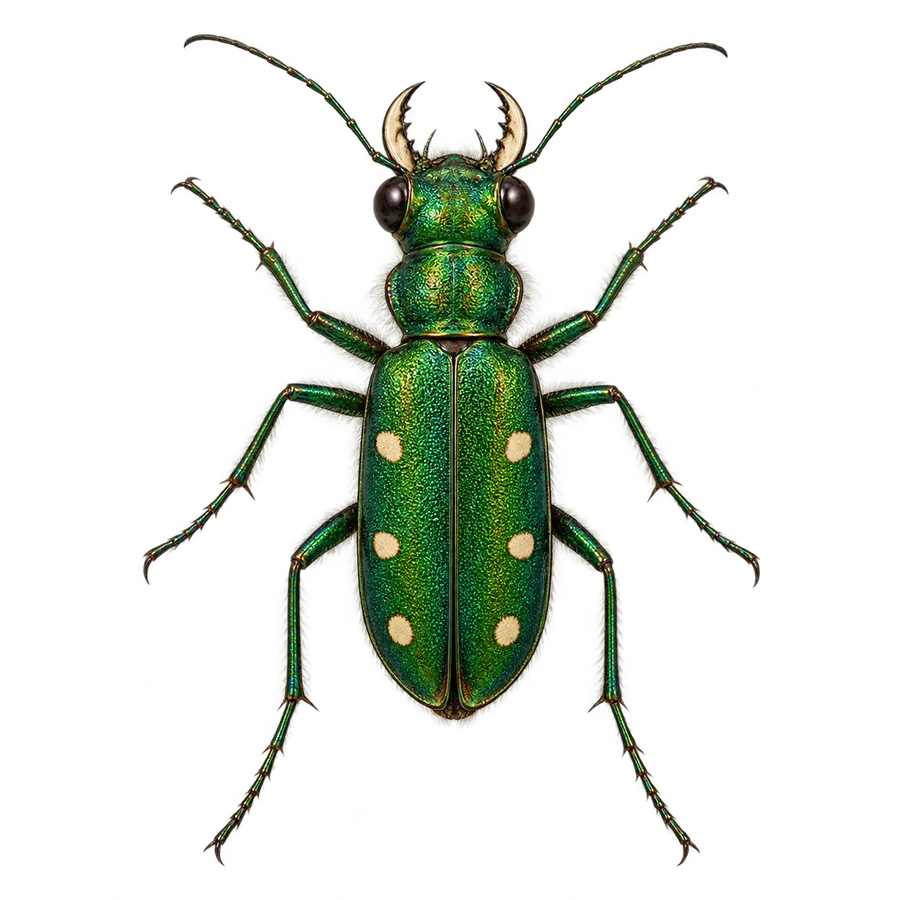 View files
 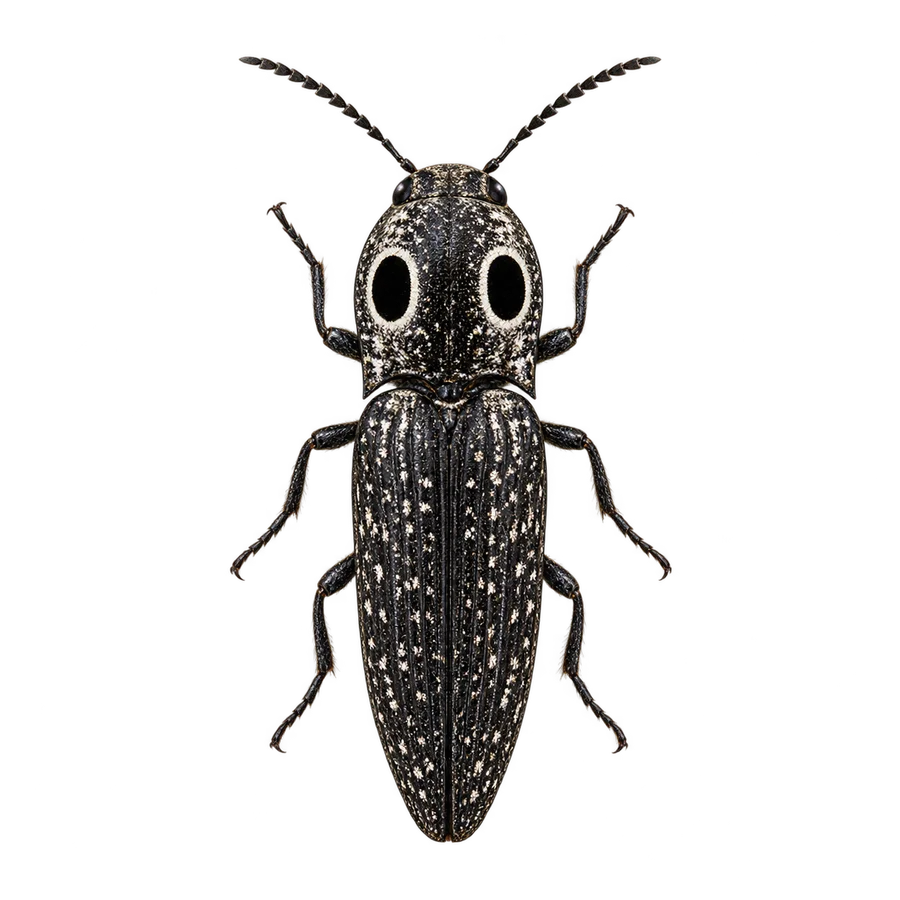 View files
 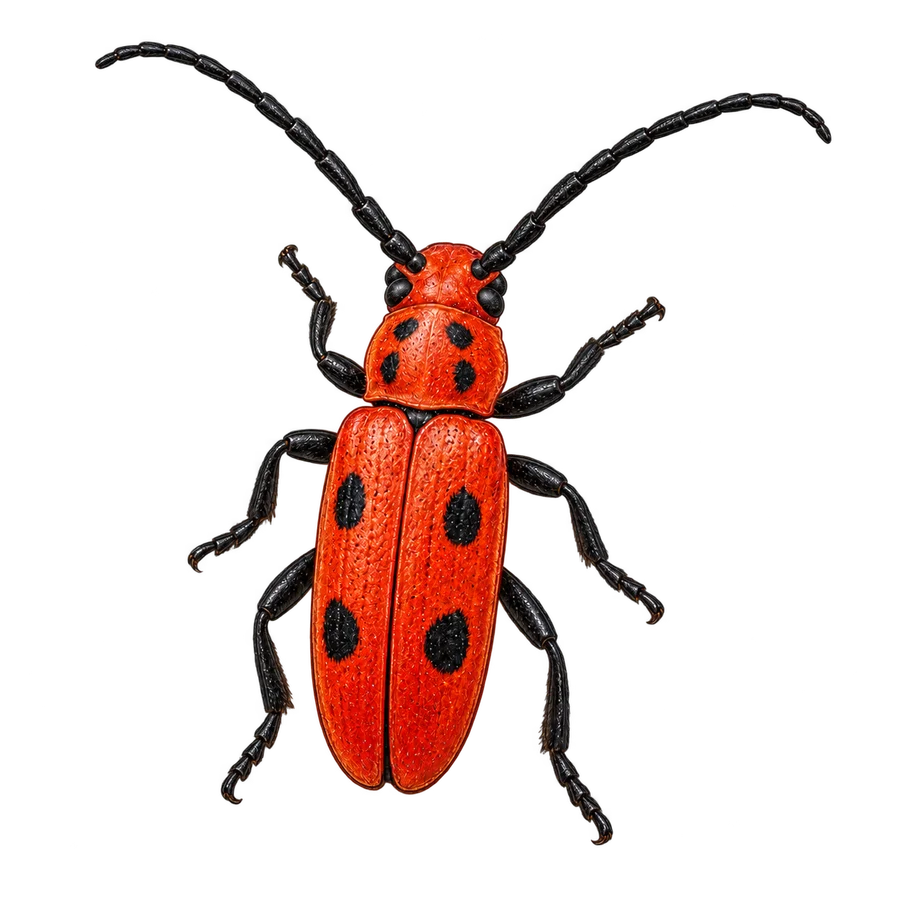 View files
  View files
  View files
  View files
  View files
  View files
  View files
  View files
  View files
  View files
 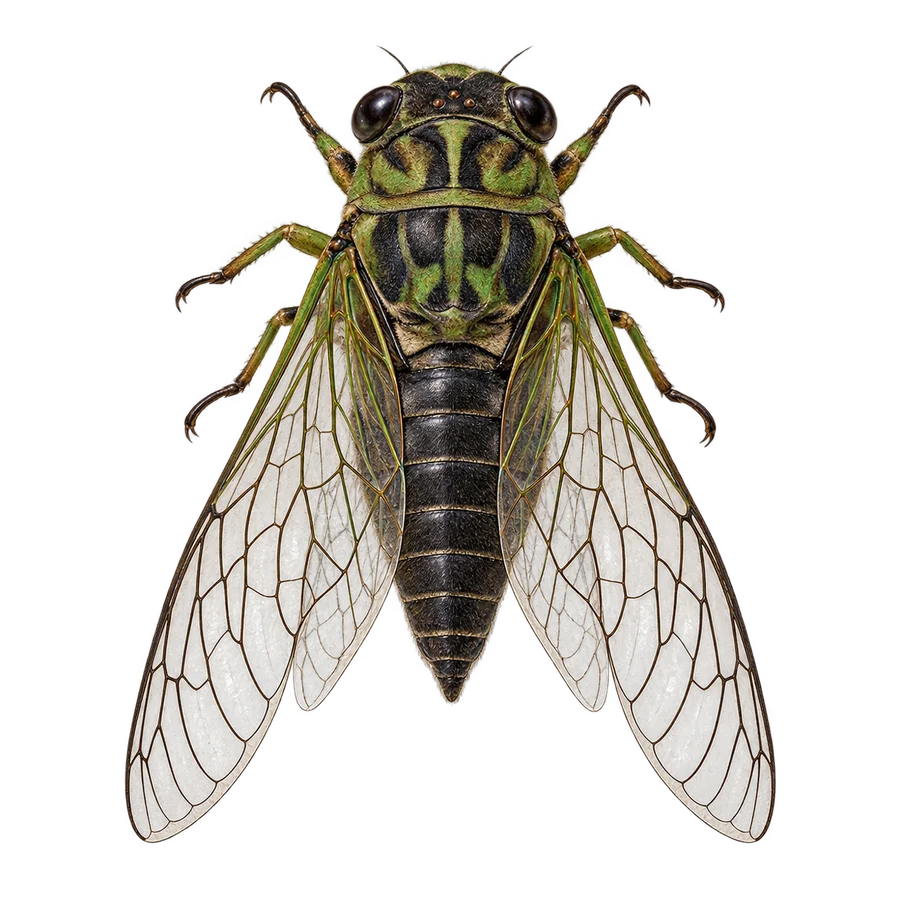 View files
 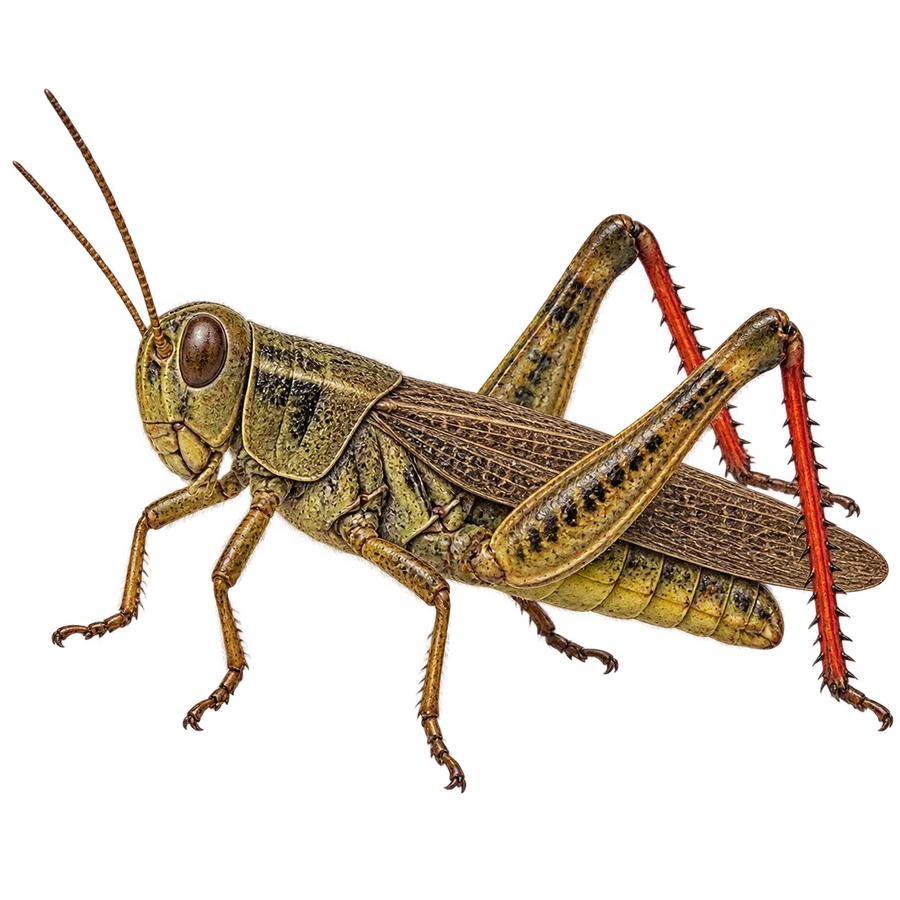 View files
  View files
 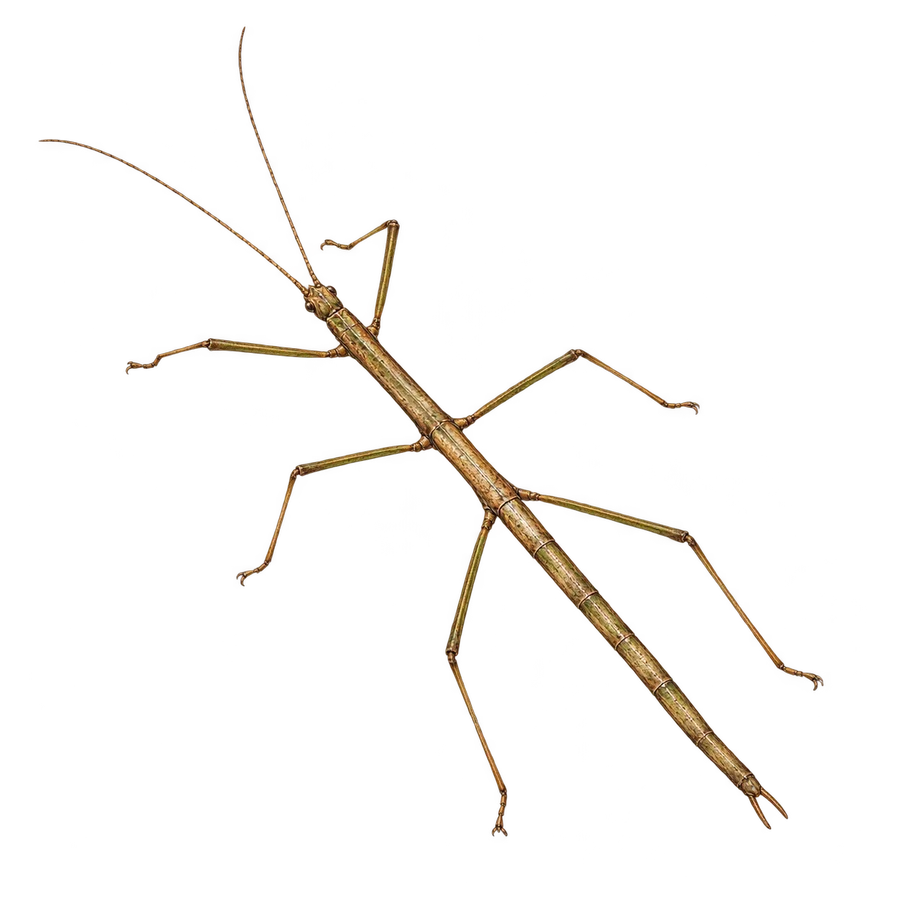 View files
  View files
 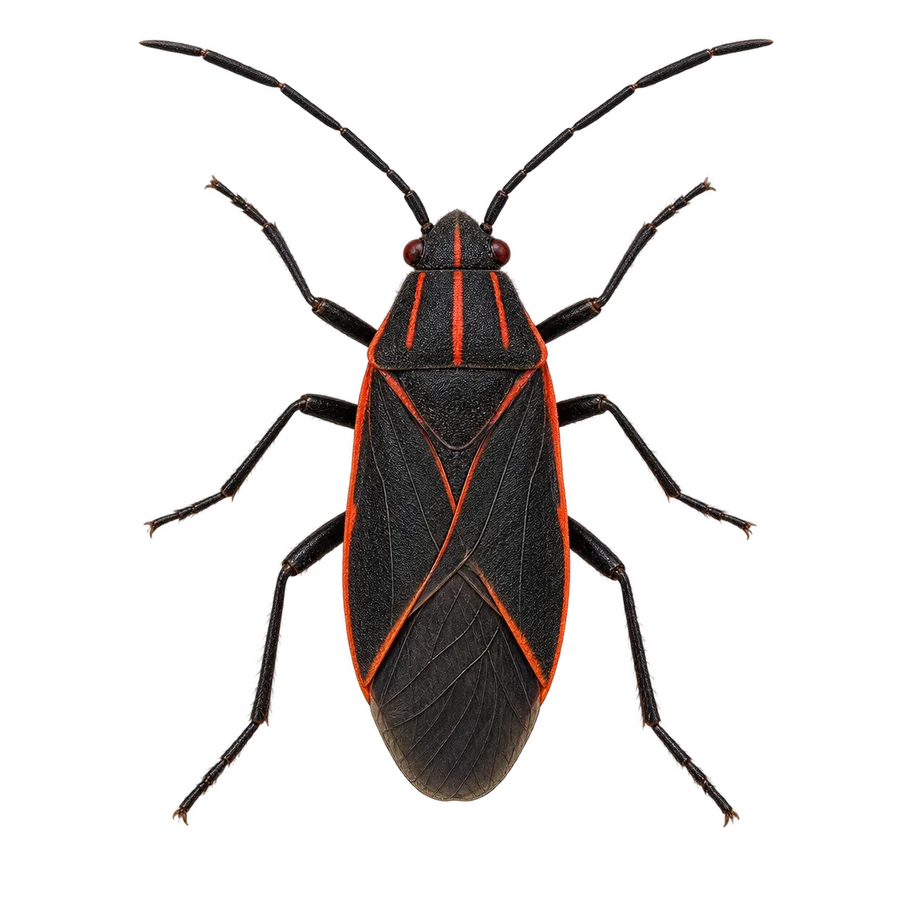 View files
 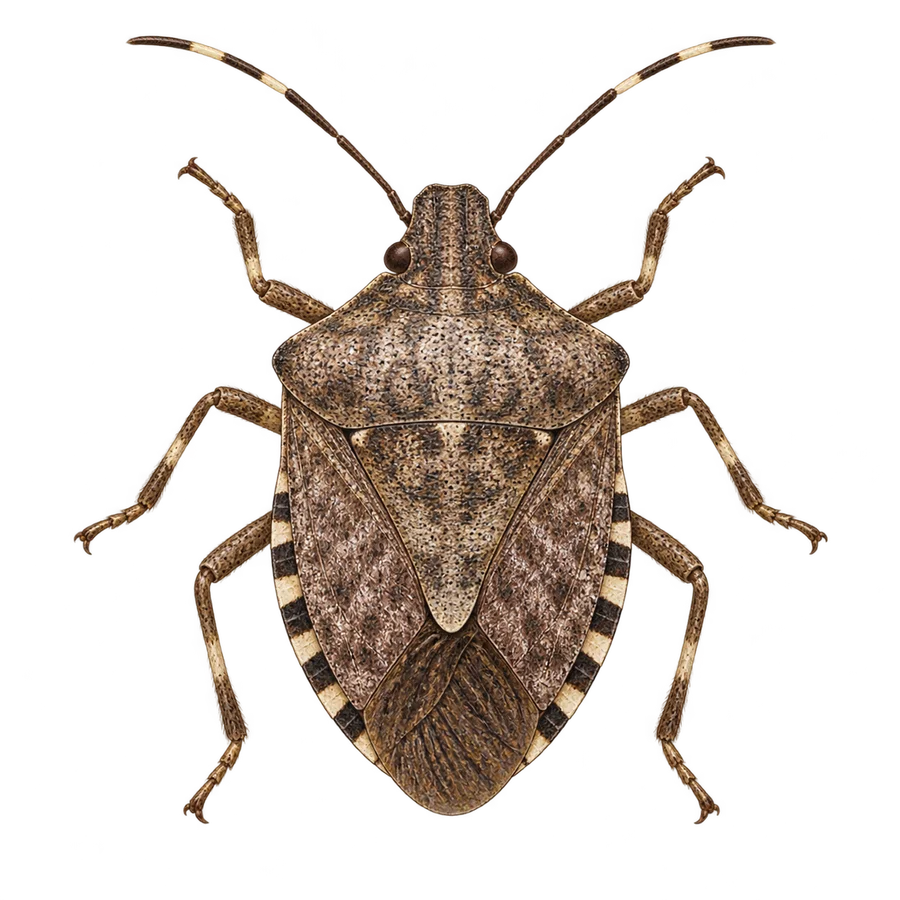 View files
 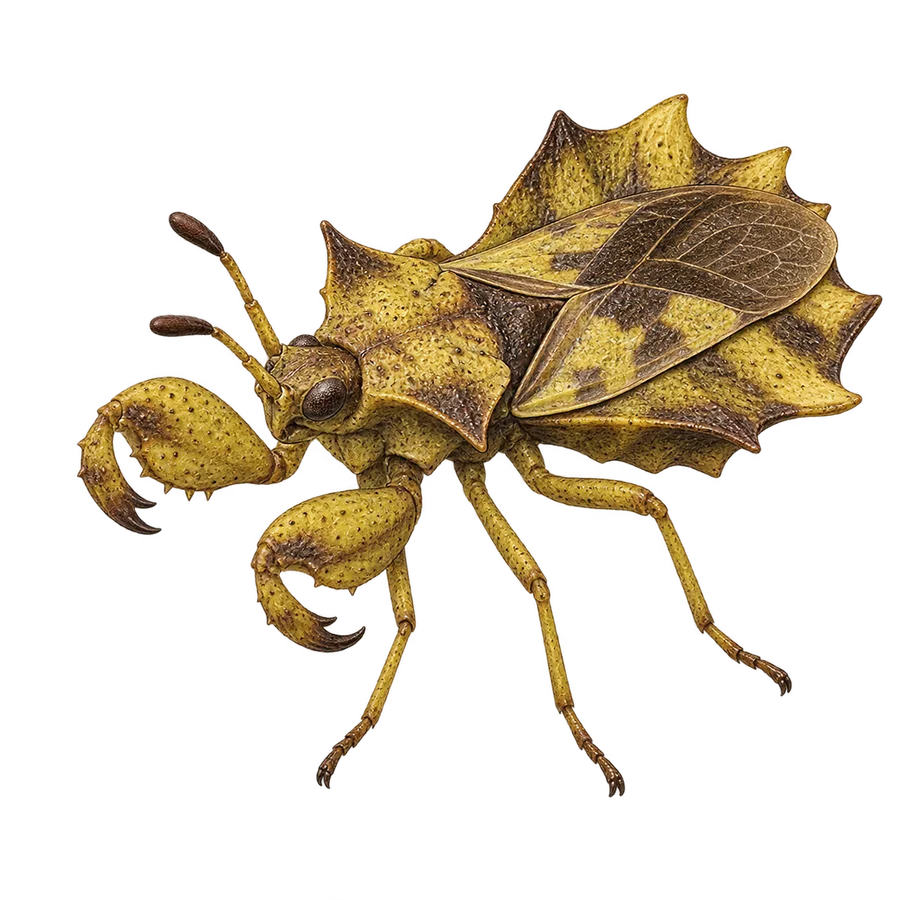 View files
 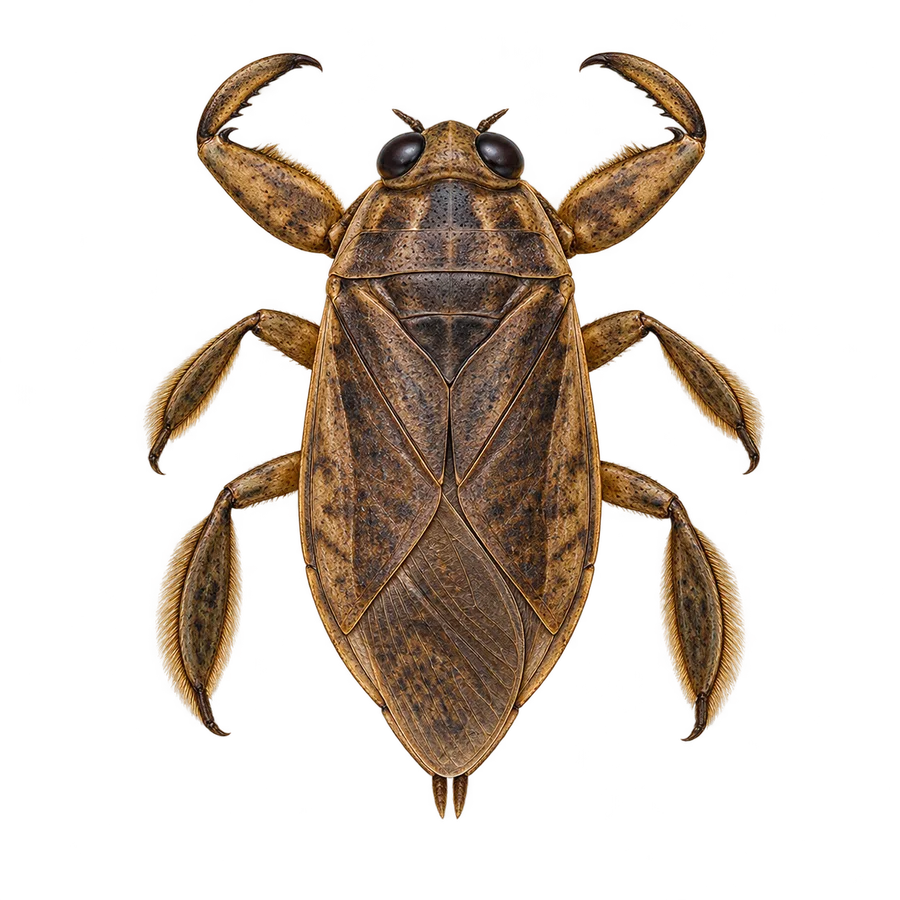 View files
 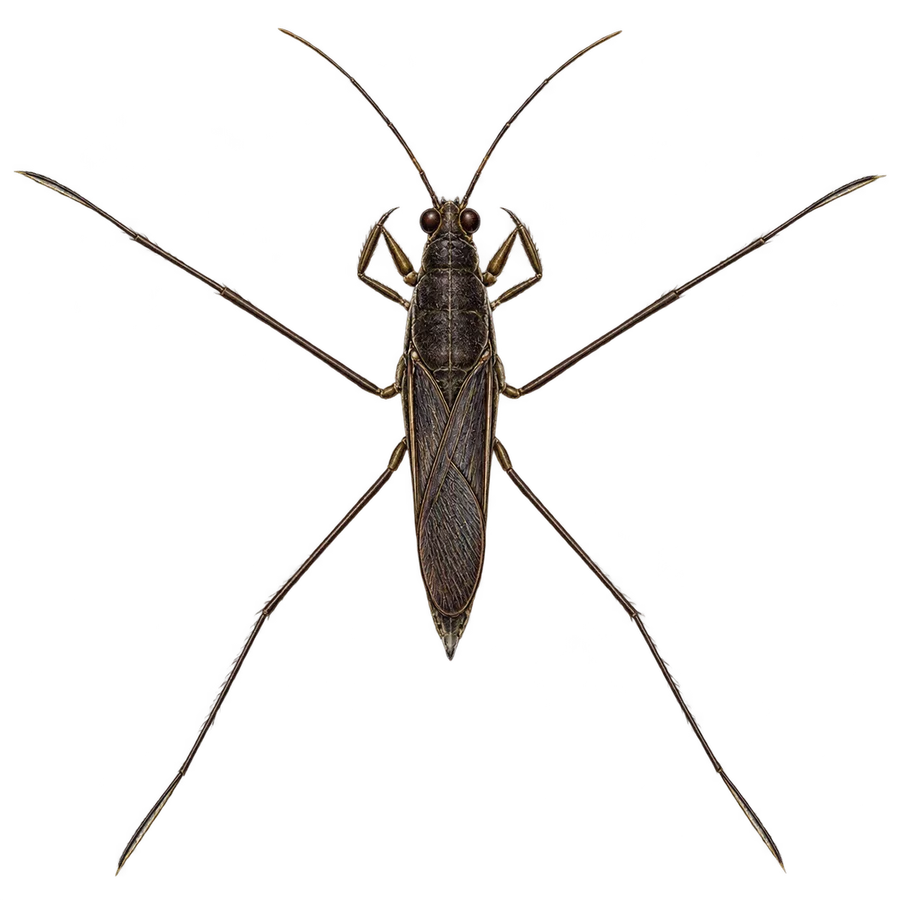 View files
  View files
  View files
  View files
 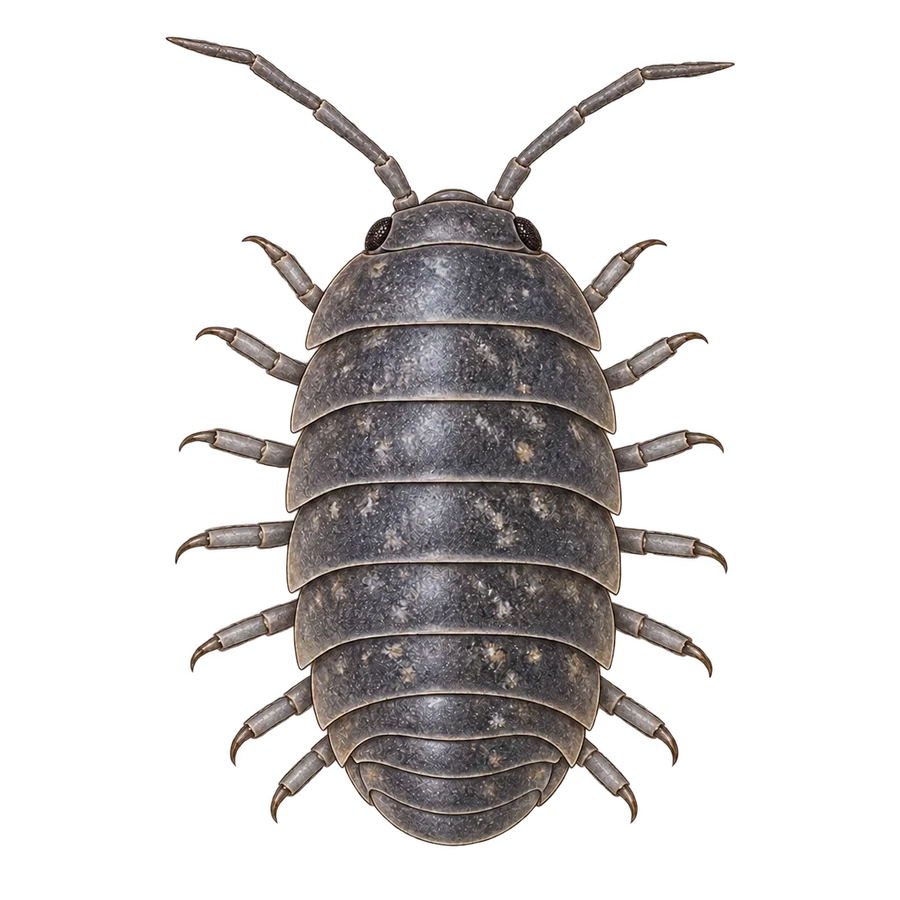 View files
 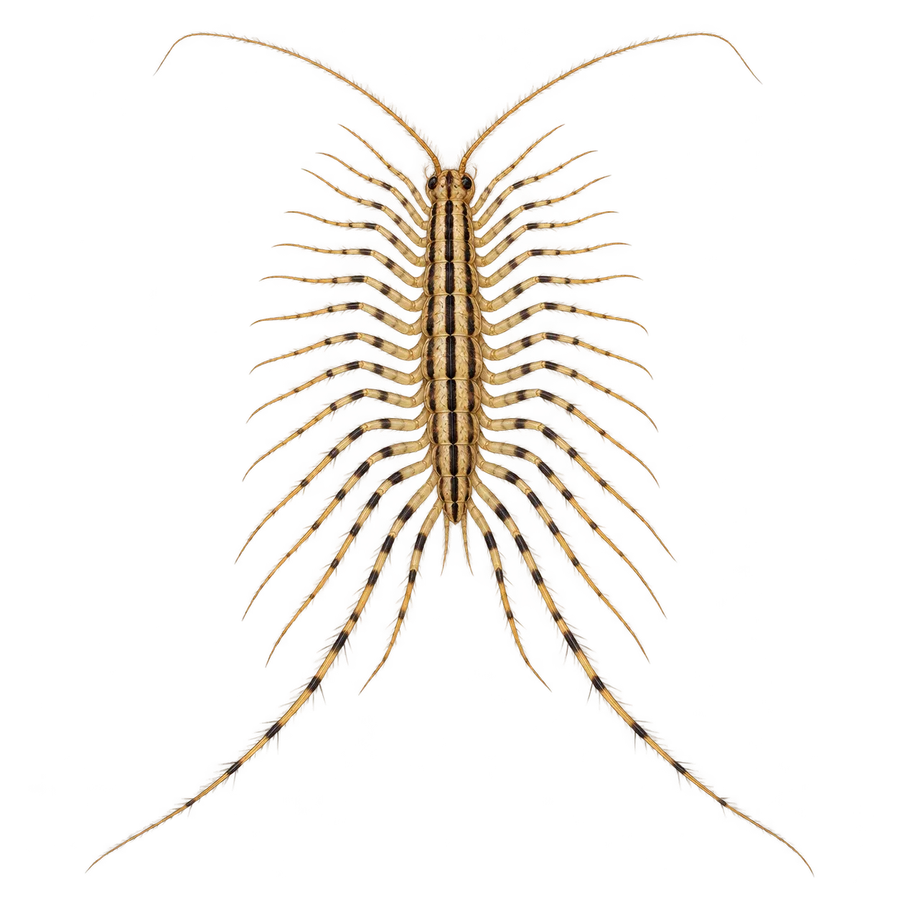 View files
 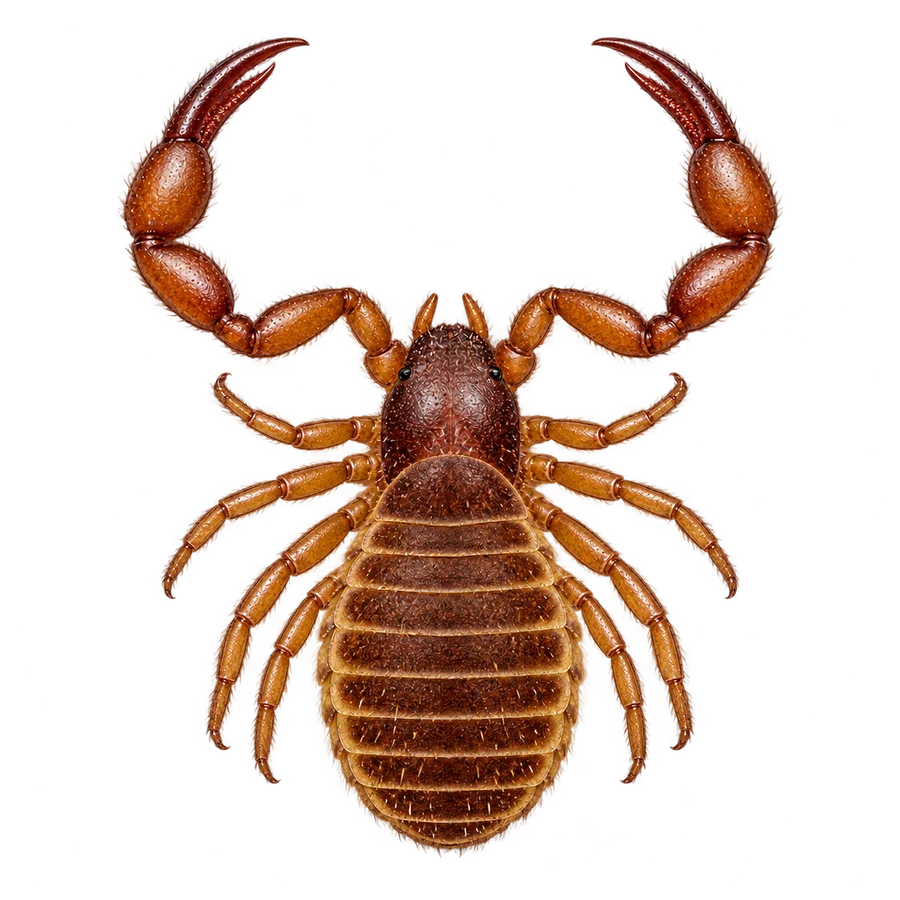 View files
 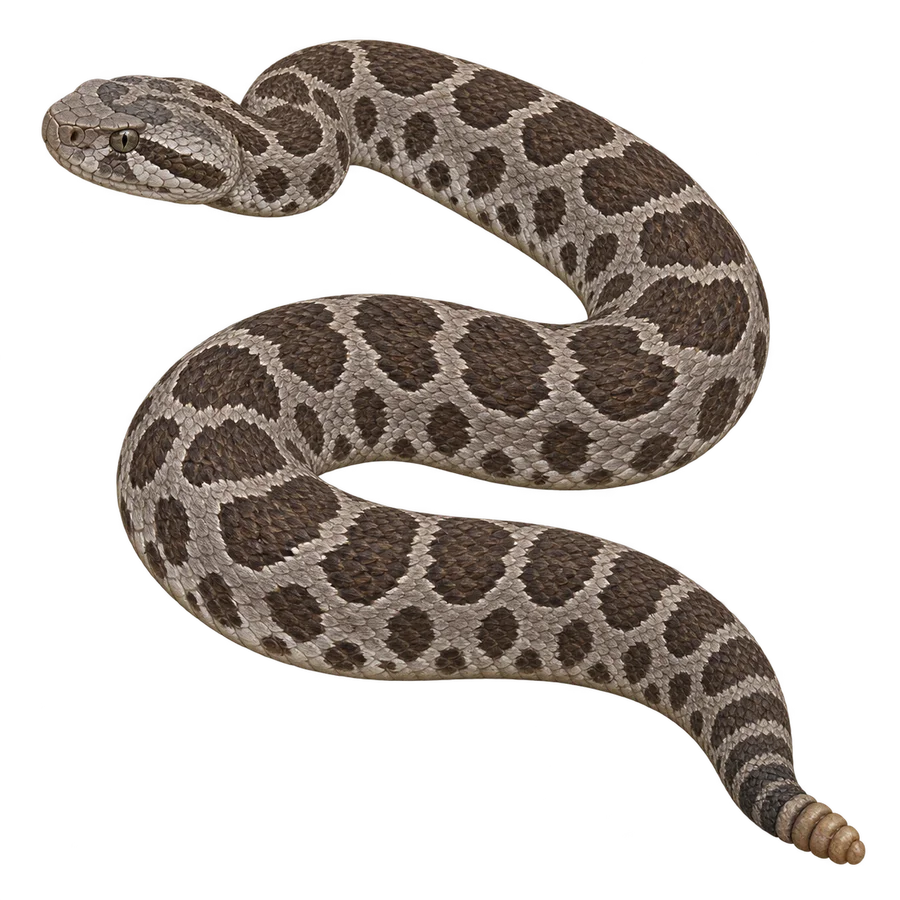 View files
 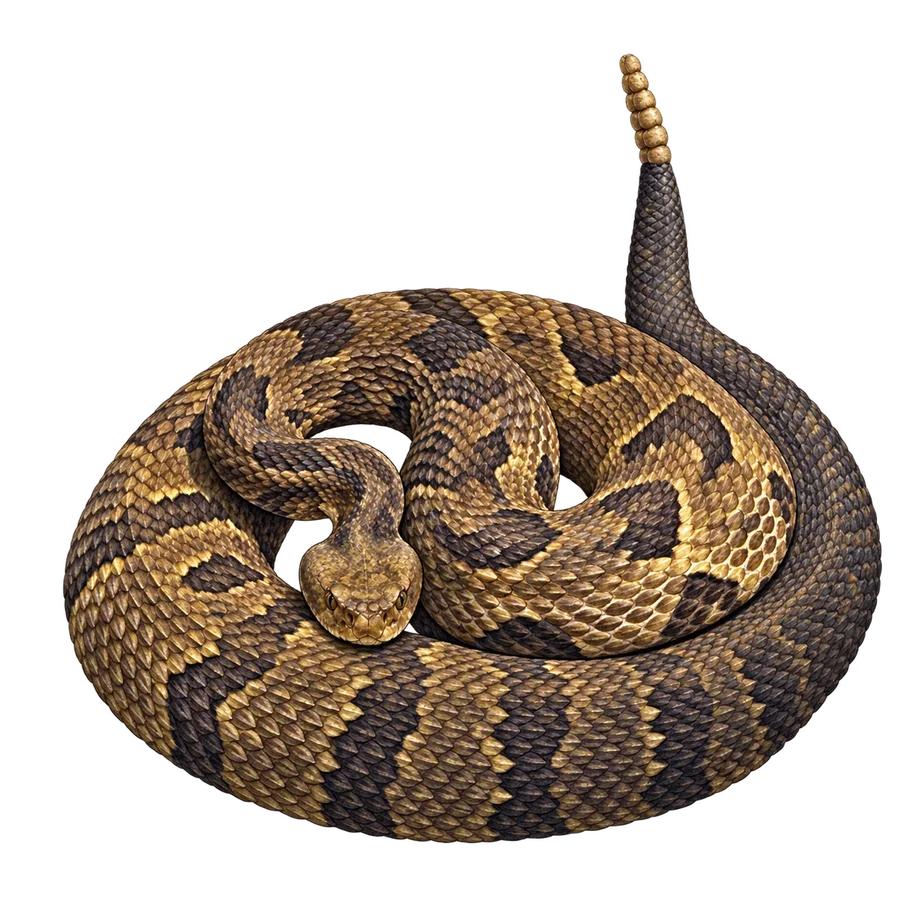 View files
 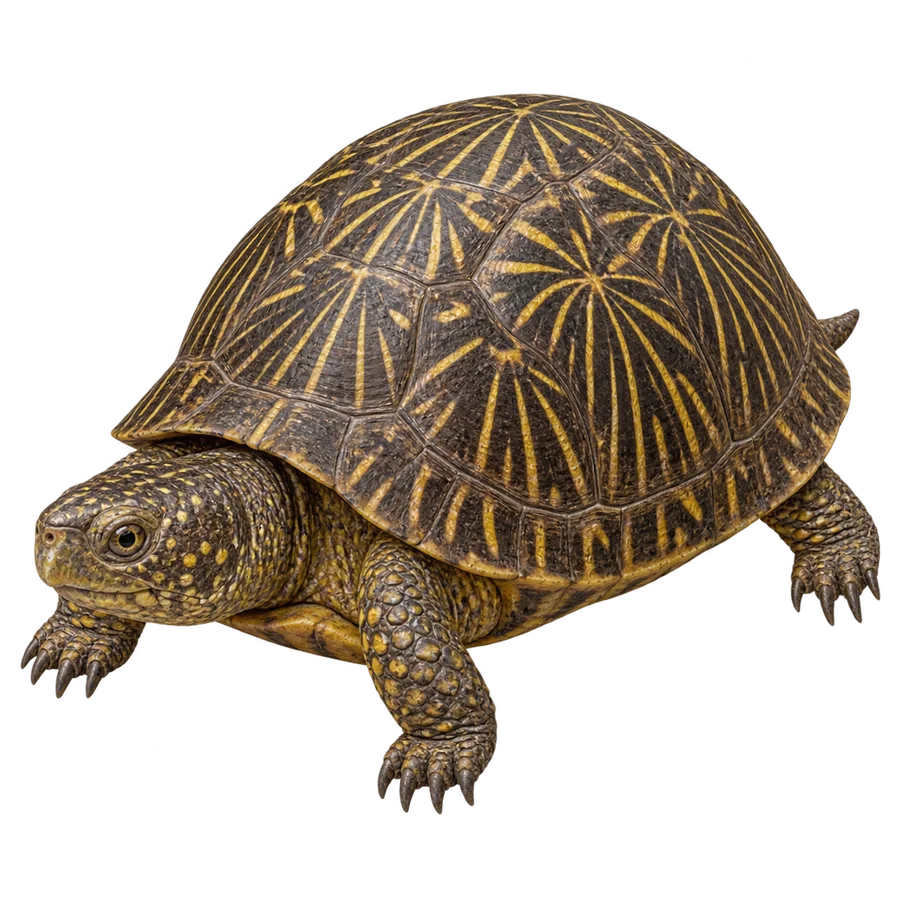 View files
 The rest of the field guide
13 more tiny neighbors.





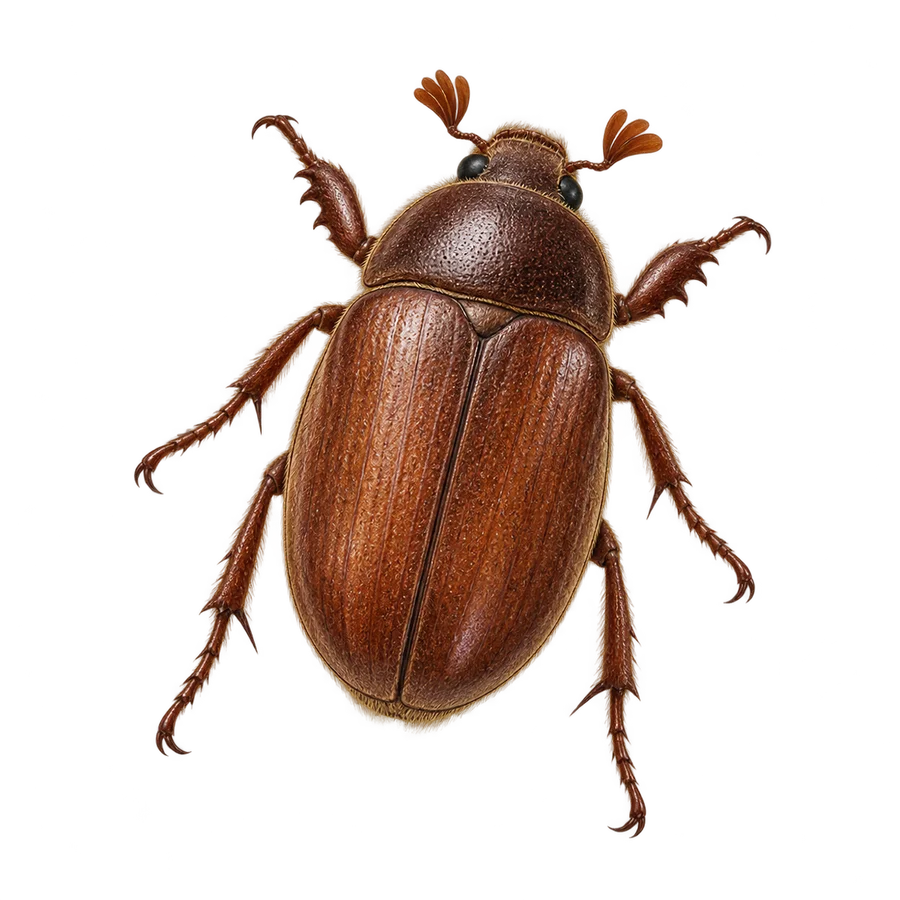
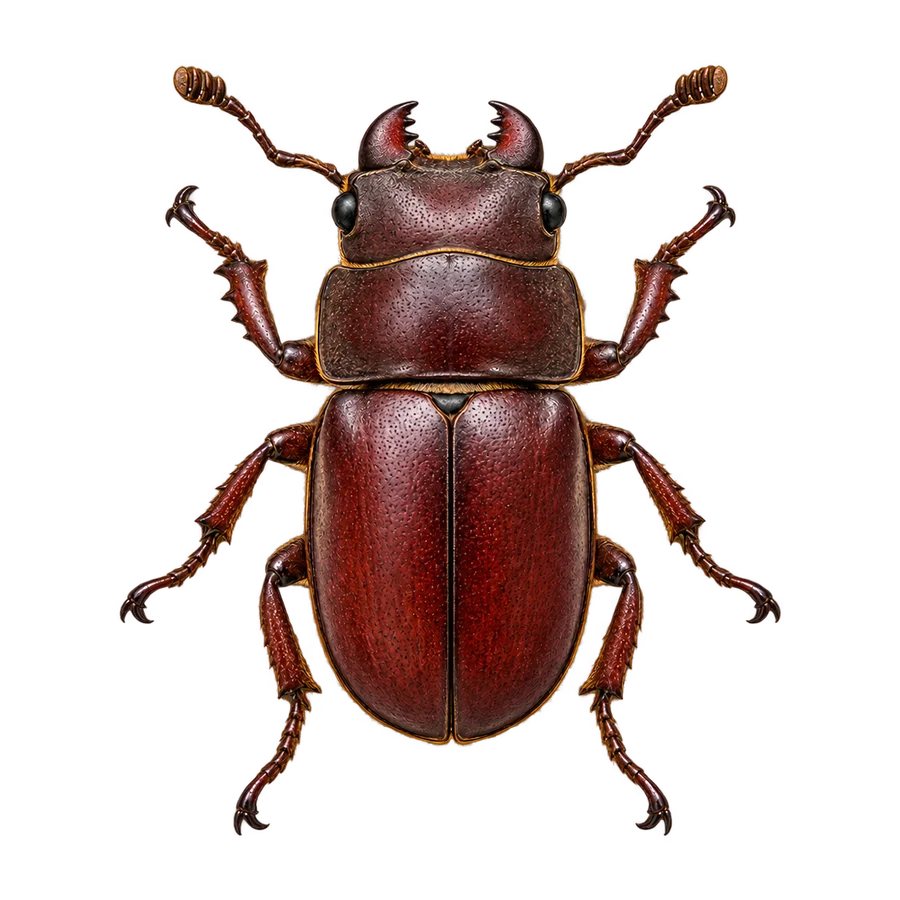




01
Choose a creature
Find its print files by common or scientific name.
02
Check the artwork
Front PNGs keep the background clear. Editable SVGs keep the labels adjustable.
03
Test one disc
Check real-size text and relief before printing a batch. Scan the separate carrier QR after printing it.